

LEARN THE TOOLS. KEEP YOUR RECORDS.
Understand the tools.
Keep your own records.
Crypto explainers, evidence-led comparisons and workspaces for learning and organisation.
Learn the concepts
Follow the terms, see the examples and understand how the pieces connect.
Inspect the tools
Compare documented features, setup requirements and the limits that matter.
Keep your own records
Organise learning, evidence and transaction data in your browser.

FEATURED GUIDE
A wallet, a key, an address.
Three different jobs.
The words can sound interchangeable until you need to use them. Start with the distinction between an interface, signing authority and a destination.
LOOK BEYOND THE FEATURES
Compare the workflow, not the promise
4 hardware wallets compared: screens, phone support and backup routines
Compare Trezor Safe 5, Ledger Flex, BitBox02 Nova Multi and Keystone 3 Pro by the devices you use, the details you need to inspect and the backup process you can maintain.
Read the comparison
3 software wallets compared for network support and everyday permissions
Compare MetaMask, Rabby and Exodus around a named network and task. A wallet interface is useful only when you understand what it connects to and what it asks you to authorise.
Read the comparison
4 crypto record tools compared: local history, hosted reports and mobile tracking
Compare rotki, Koinly, CoinTracker and Crypto Pro by the record you need to produce. A portfolio display, a reconciled history and a tax report are different outputs.
Read the comparison
4 crypto research tools compared: transaction evidence, network context and market data
Etherscan, mempool.space, DeFiLlama and CoinGecko answer different questions. Compare them by the evidence you need, not by the number of colourful charts on screen.
Read the comparison4 resources for backup planning, account access and crypto learning
Cryptosteel Seed24, Trezor Keep Metal Single-share, YubiKey 5C NFC and Ledger Academy have separate roles. This comparison helps you avoid buying one type of product to solve a different problem.
Read the comparisonFREE AND PREMIUM WORKSPACES
Something useful
to do with what you learn.
Explore a concept map, organise transaction exports or build a research file with dated sources. The tools work from your entries, without connecting a wallet.
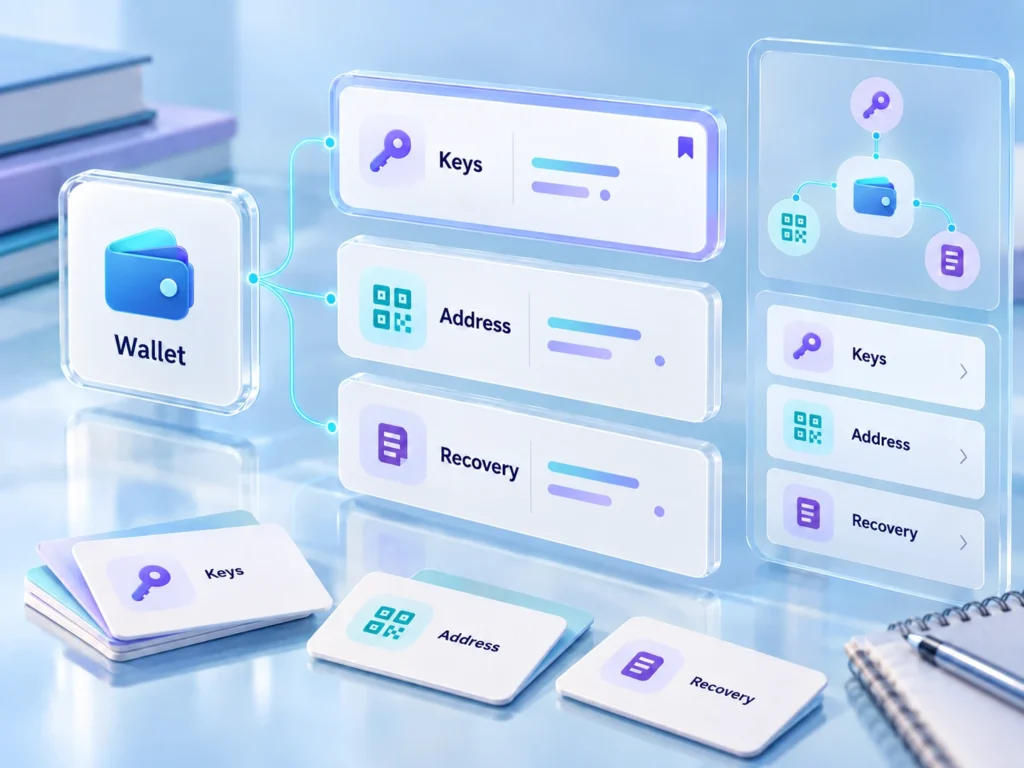
Crypto Concepts Map
Search 120 definitions, explore 60 relationships and keep your own study cards.
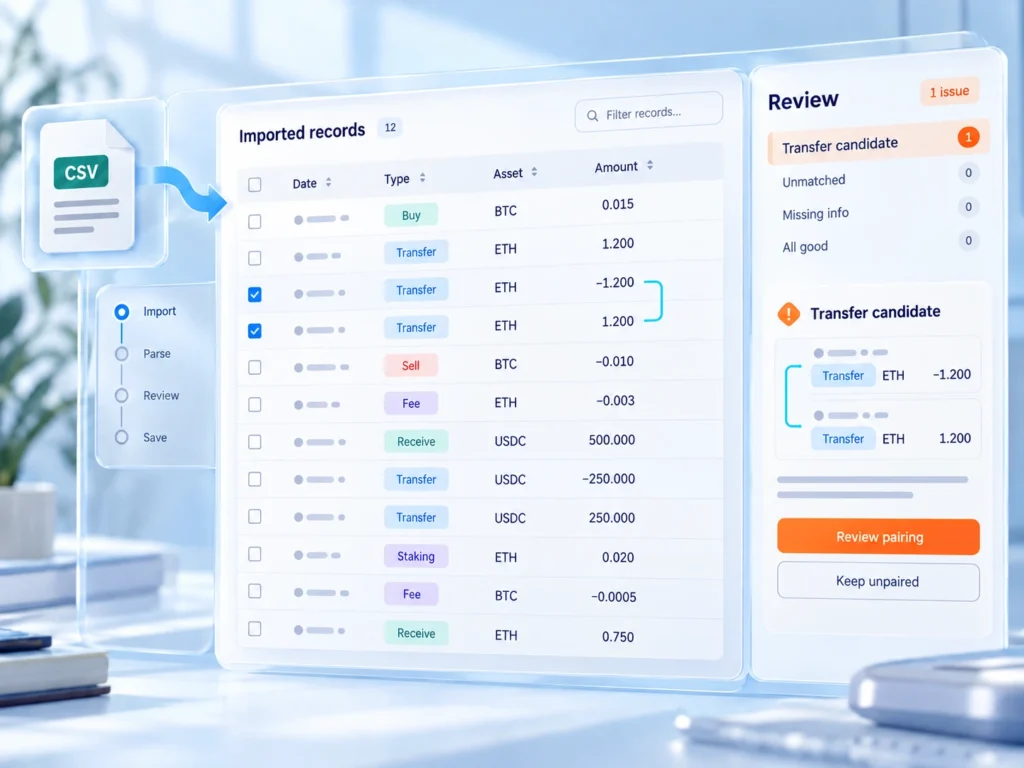
Transaction Ledger Organizer
Map CSV columns, review duplicate candidates, pair transfer legs and retain original row references.

Transaction Record Decoder
Explain copied EVM receipts or Bitcoin input/output totals, with fee arithmetic and missing-data checks.
FROM THE JOURNAL
Questions worth spending time on

Prepare an incident handover before you need one
Keep a non-secret timeline, verified help routes and unanswered questions ready for an appropriate responder.
Read the guide
Compare crypto tools by the job you need to finish
Create a shortlist around the device, input, output and ongoing work each option requires.
Read the guide
A four-session crypto study plan with something to show for it
Use recall, a fictional example and one evidence note to turn reading time into retained understanding.
Read the guide
WELCOME TO CHAIN NOTES
Less noise.
More understanding.
Crypto tools ask people to make decisions about networks, permissions, custody and records. Chain Notes makes room for the details behind those decisions.
Read an explanation, inspect the original documentation and keep your own observations. Our browser tools help organise the work; the decisions stay yours.

A CLOSER LOOK
The setup behind the tool
Ledger Academy review: building a useful reading routine
A topic-based educational library to use alongside independent sources and your own learning notes.
Read the reviewYubiKey 5C NFC review: its role in an access plan
A USB-C and NFC security key for supported account sign-ins, with a role separate from wallet recovery.
Read the reviewTrezor Keep Metal Single-share review: its role in an access plan
A format-specific metal backup product for the documented 20-word single-share workflow.
Read the review
OUR APPROACH
Sources, assumptions and honest limits
Show the source
Product facts link to primary documentation and carry a checked date.
Keep the assumptions visible
Examples and calculations name the inputs they use. Missing information remains missing.
Leave you in control
No wallet connections, trading signals or requests for recovery material in our apps.

ALL APP ACCESS
One collection.
Your own working space.
Choose an individual premium app or open every app on this site with All App Access. Future additions to this site are included.

MAKE TIME TO UNDERSTAND
Start with a question.
Keep what you learn.
Choose a guide, open a reference tool or organise a record you have been meaning to sort.